Your Mac, From Your Pocket
The Agent Phone iOS app puts Agent Mac on your iPhone — at home, away, and by voice. Same autonomy caps, same approval gates, zero company backend.
At home: your LAN, pinned TLS
Pair once by scanning a QR code. The connection is direct over your network with a pinned TLS certificate — no traffic leaves your house. Bonjour self-heals the link when your Mac’s address changes.
Away: through your own iCloud
Out of the house, messages travel through your iCloud account via a CloudKit two-zone transport, sealed end-to-end with HKDF-derived keys and AES-GCM. Apple stores ciphertext; we store nothing — there is no company server.
Push approvals
When the agent needs permission for something your autonomy level gates, the approval arrives as a push notification (APNs). Approve or deny from your lock screen.
Voice, both kinds
Send voice notes the agent transcribes and acts on, or hold a full Jarvis-style voice conversation with your Mac from anywhere.
See it in your hand
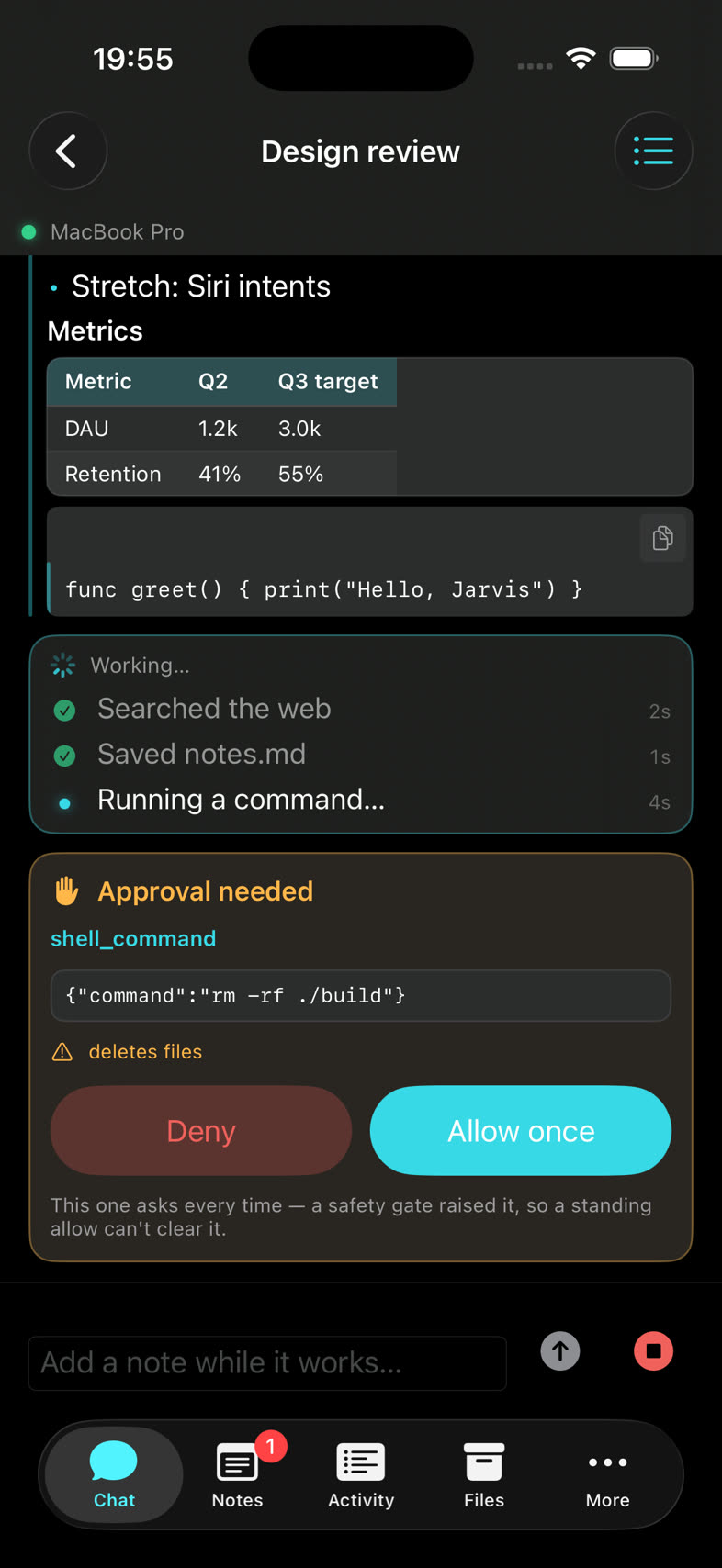
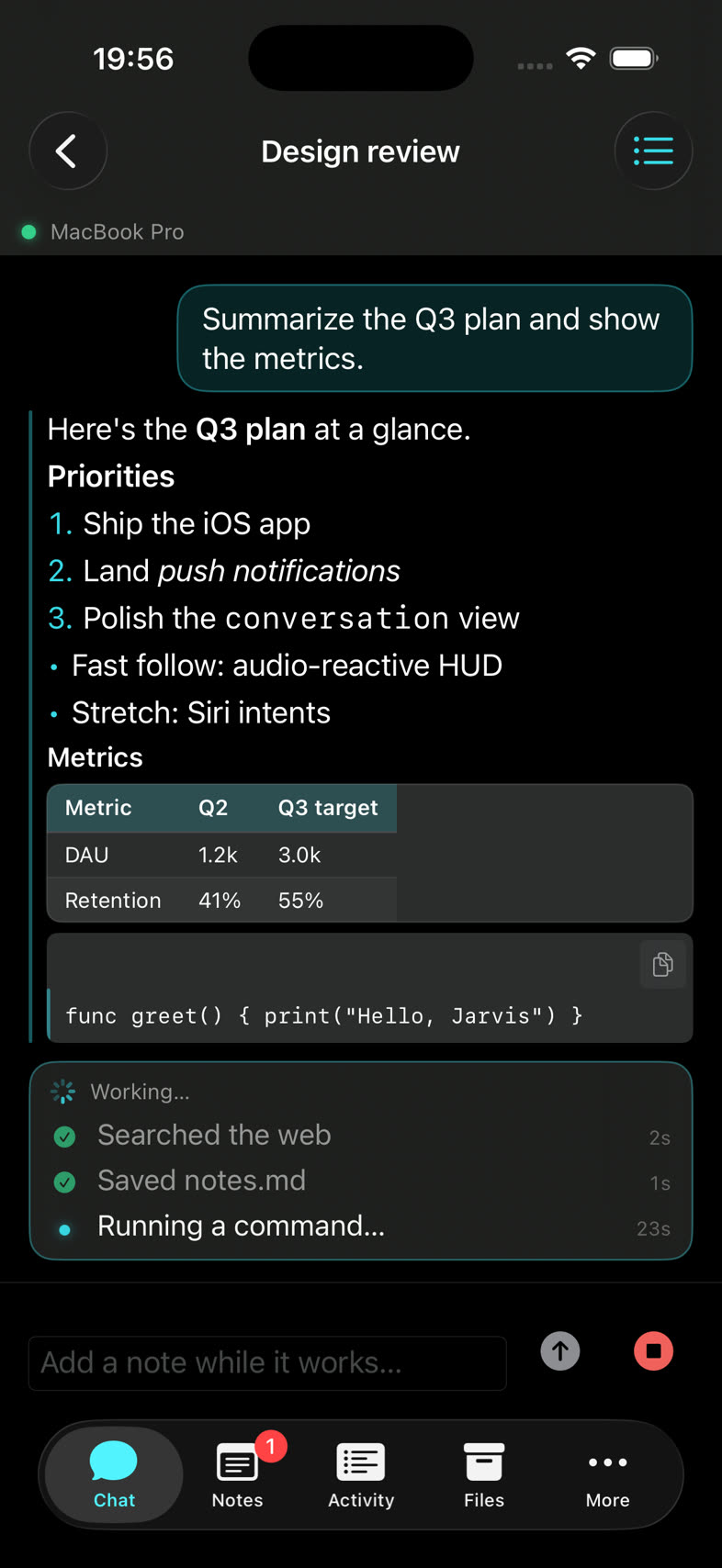
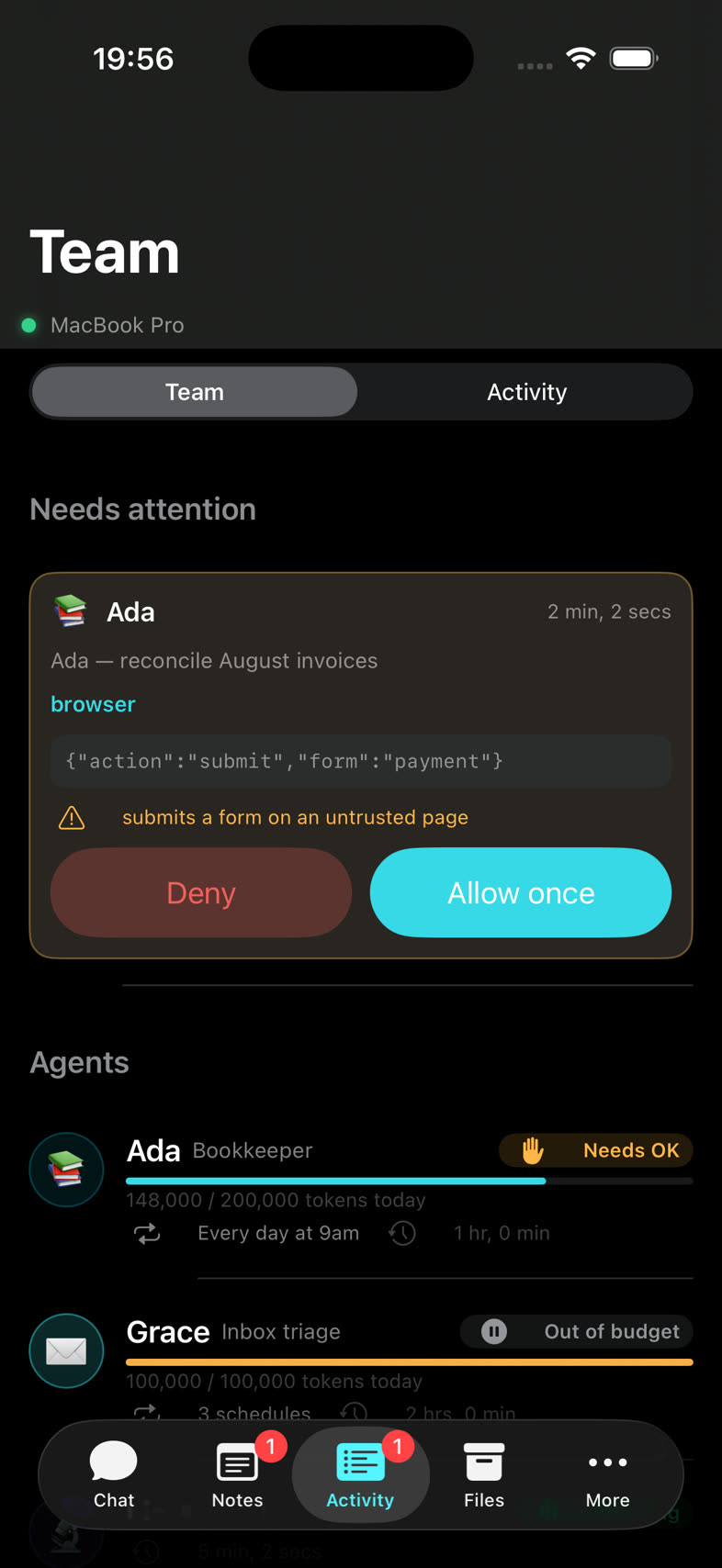
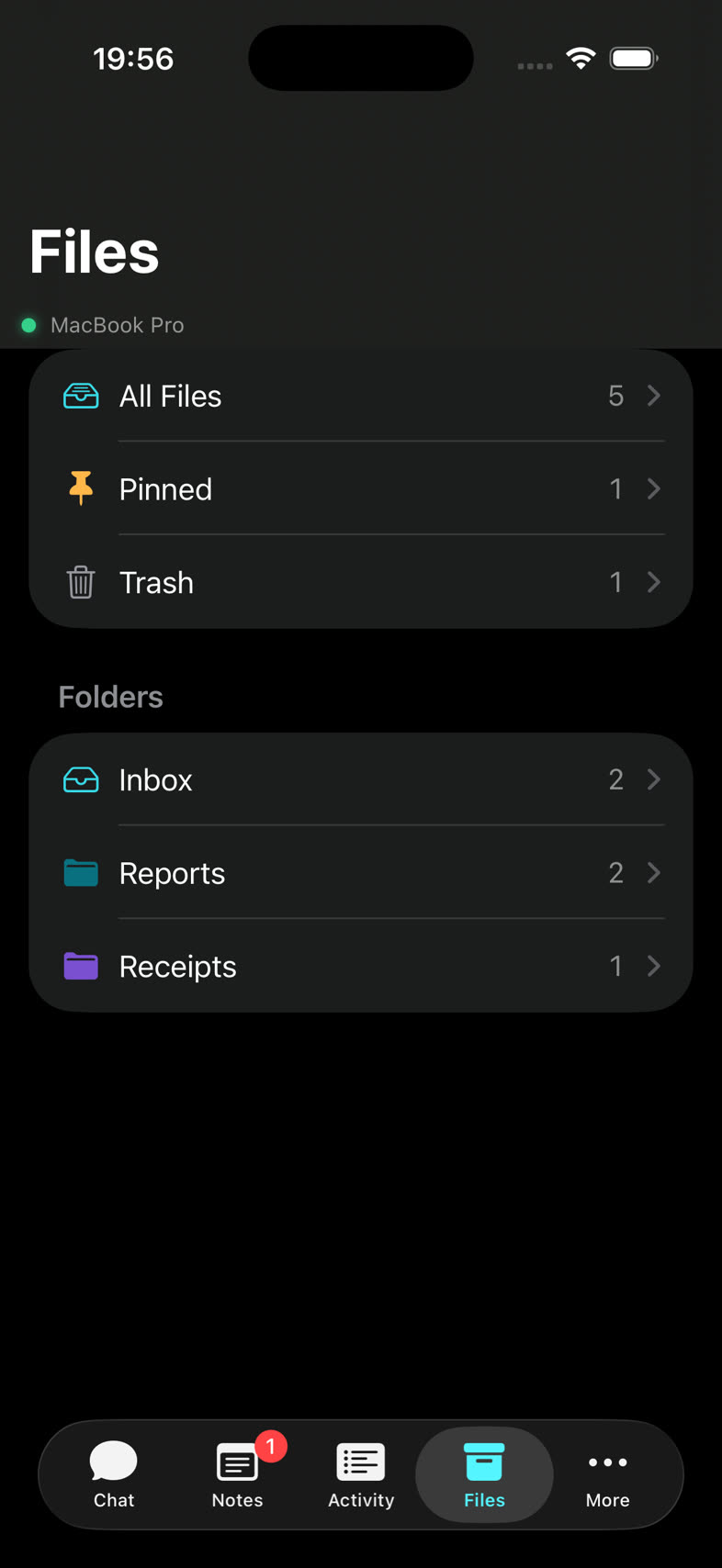
Hand your Mac a job from anywhere, watch it work in plain English, and approve the one step that needs you — then glance at your team of agents and your files. All from the phone in your pocket.
- Plain-English “workings”, live as the agent runs
- Tap to approve anything gated — or deny it
- Your whole team of agents, at a glance
- Browse your Mac’s filing cabinet
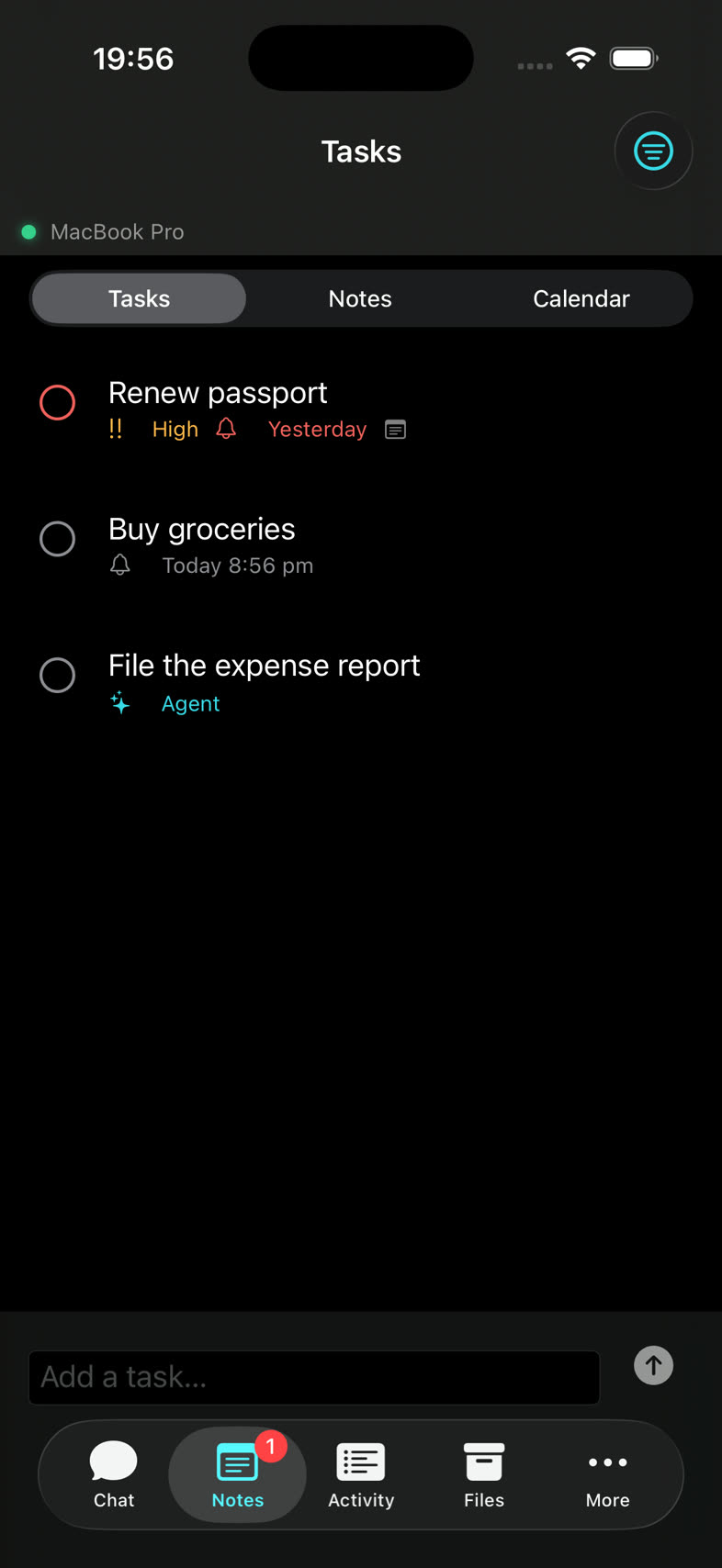
Actual app · sample data shown
Pairing, In Three Steps
Open Agent Phone
Install the iOS app and point it at the QR code Agent Mac shows.
Scan once
Keys are exchanged directly between your devices and stored in each Keychain.
Done — for good
Pairing survives reinstalls via Keychain. At home it uses your LAN; away it switches to your iCloud automatically.
The same rules apply remotely
Remote commands run under exactly the same autonomy levels and per-tool switches as local ones. A phone can never do more than you allowed on the Mac — and every remote run appears in the activity log like any other. Read the full story on the security page.
Agent Phone is on the way to the App Store.
Register your interest and we'll tell you the moment it launches. Once it's on your phone, you can join the feedback programme with a single tap.
Register interest